
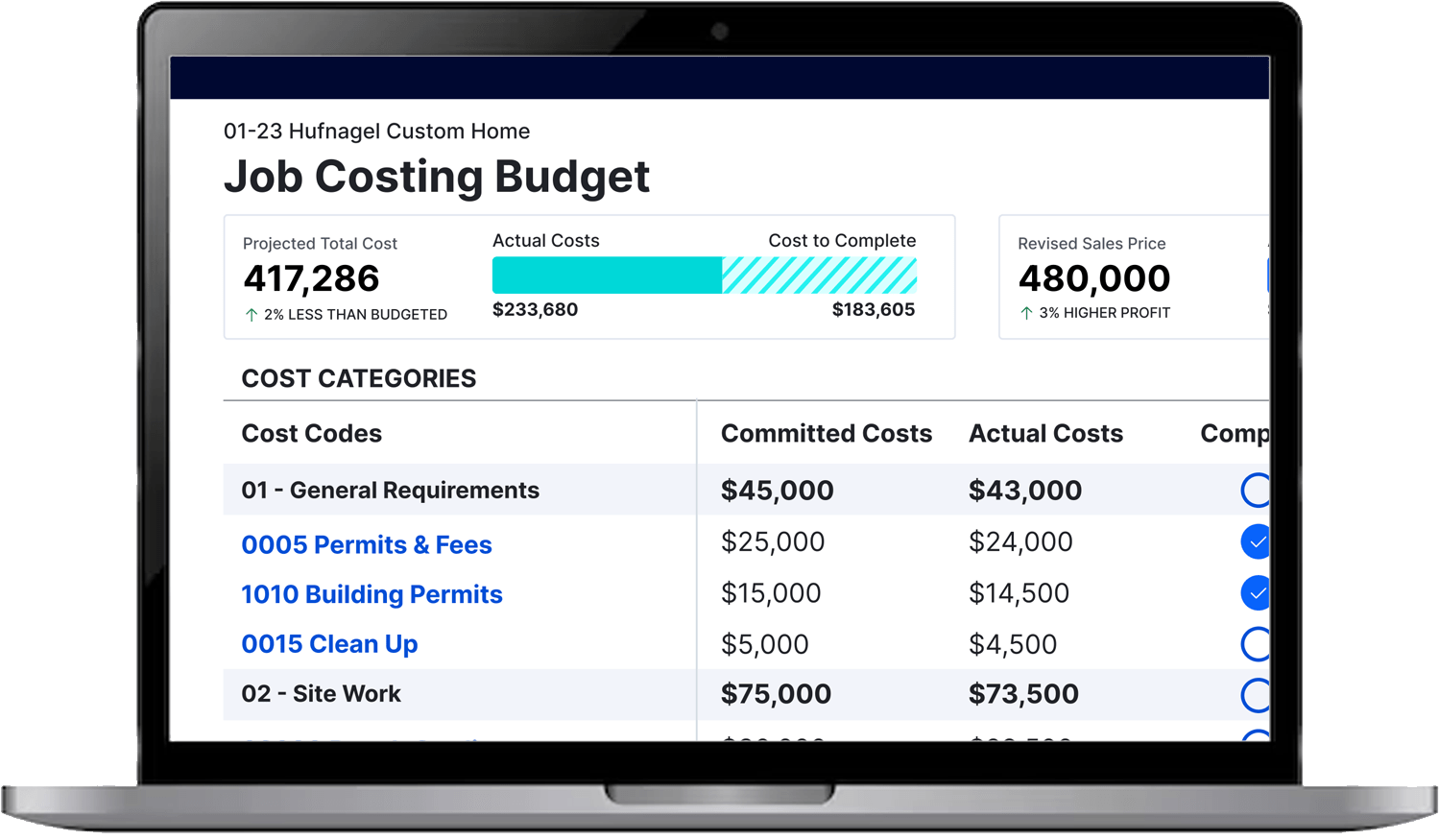
01 Watch Tutorial
Client Portal Overview
Learn how to navigate your client portal and stay connected to your project.

THE ABLAZE CLIENT PORTAL
Access your Buildertrend portal, explore helpful resources, review FAQs, and stay connected with the ABLAZE team throughout your project.
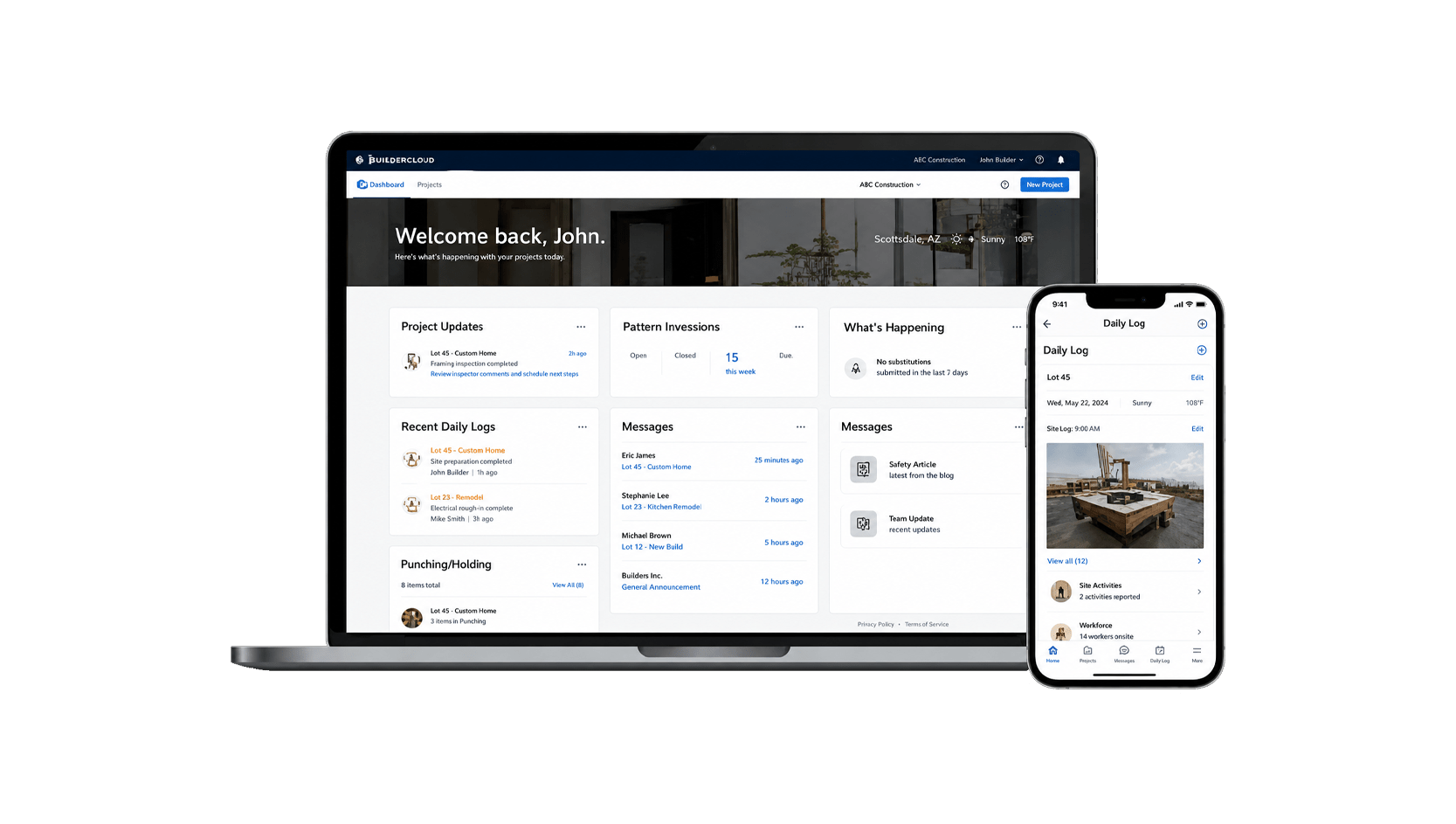
Your Project Hub
Buildertrend is the communication and project management platform we use to keep your renovation organized, transparent, and accessible in real time.
Through your personalized portal, you can:
Video Learning Center
Clear guidance for navigating your project portal with confidence.
Learn how to navigate your client portal and stay connected to your project.
CLIENT FAQs
Project guidance, portal support, and answers from the ABLAZE team.
Click Settings from your User Icon on the top right. Add/Remove notifications for Email, Text, Push (Mobile App). Click Save.
Yes, click Settings from your User Icon on the top right. Select Edit to update contact information. Click Save.
Yes, click Settings from your User Icon on the top right. Select Change Password underneath the profile picture circle to reset username and password. Click Save.
To download the mobile application, navigate to the App Store (iOS) or the Google Play Store (Android) and search BuilderTrend. Enter your credentials or click Forgot Password to reset.
Yes, your builder can link your projects, allowing you to access them with a single username and password for your Client Portal. You can easily switch between projects using the dropdown menu located under your profile picture and name on the main portal page.
Yes, you may upload files to the **Client Uploaded Files**, within Photos, Documents or Video.
You can click on the link provided in the email or go to your BuilderTrend Client Portal and click on “Finance -> invoices” or follow the invoice link on the left hand side of your homepage, under “Action items -> Pending invoices”.
We are also happy to accept payment in multiple other ways if preferred. We accept ACH and wire. We also accept personal / business checks. We do accept credit cards, but we do have a 3% fee.
No, but without a saved payment method, you will need to add one each time. To avoid delays, save your payment method for future use.
3D Secure (3DS) is an authentication method that adds an extra layer of security to online credit or debit card purchases. Initiated by your bank, 3DS helps prevent fraud and is a global standard for secure card payments.
An allowance is a budget set aside for items you will choose later, such as flooring, tile, lighting, or fixtures. It acts as a budgetary placeholder in your estimate so we can keep your design moving forward while giving you time to make your final selections.
If you choose materials that cost less than the allowance, your final cost may be lower. If you choose items that cost more, your final total cost may be higher.
Financials in Remodeling are split into 2 categories (Labor and Finished Materials/Allowances).
The Design Retainer is due at the time of acceptance.
The labor gets broken into a schedule of 5 payments.
– 25% due as a Deposit
– 25% due at Startup
– 25% due After Rough
– 20% due at Substantial Completion
– 5% Punch List.
– All change orders are due in full at acceptance.
– Design Retainers due in FULL at time of acceptance.
– Design Time: After any design time stipulated in the proposal, all additional time will be charged at an hourly rate.
Material allowance payment terms:
– Cabinetry and Countertops over $20,000: 60% Deposit, remaining 40% before delivery.
– Cabinetry and Countertops under $20,000 and all other finished materials are due in full at time of acceptance.
– Finished Materials/Allowances are invoiced in full on approval. Will only be ordered once paid.
– Countertop prices are subject to change after the final measure.
– Mark-Up Policy and Liability Disclaimer: All finished materials ordered and processed through Ablaze Design Group will be subject to a mark-up. Should a client choose to purchase finished materials from sources outside of Ablaze Design Group, the company will not be responsible for any issues related to delays, fit, or defects and will not be involved in returns or repairs.
Painting projects payment terms:
– Projects under $5,000: 50% deposit, 50% at completion.
– Projects over $5,000: 35% deposit, 35% at startup, 30% at completion.
– All invoices are due upon receipt.
The Selections organize your Choices of finished items by rooms. The Choices are the products and finishes you’ll choose for your project.
Selections are part of your signed contract. If you decide to upgrade to a different product that requires additional material or labor, we’ll discuss the costs with you first. Any choice of finished materials requires your approval and payment before we proceed.
A Design Retainer is an upfront investment that allows our team to begin the planning and design phase of your project. It covers design development, finish selections, site visits, client meetings, drawings, and 3D renderings. During this phase, we refine your vision, establish a preliminary project budget, and create the documentation needed for a successful build. The retainer is non-refundable and is applied toward the design services outlined in your agreement.
ABLAZE follows a thoughtfully guided design-build process designed to create clarity and confidence from concept to completion. Our six-phase approach includes Discovery, Initial Consultation, Design Retainer, Design Development, Ramp-Up & Preconstruction, and Construction & Completion. Throughout the journey, our team provides expert design guidance, curated selections, transparent communication, and dedicated project management to ensure your home is thoughtfully designed around the way you live. Even after completion, we remain a trusted resource for your home and future needs. https://ablazedesigngroup.com/ablaze-experience/
A Change Order is a written agreement for work or materials that are added after your original contract is signed.
Whether you decide to add a feature, expand the scope of work, or make a significant change during the project, we’ll provide a clear Change Order outlining the work and cost. Timeline will also be discussed with your Project Manager. Nothing is added without your approval, and work begins only after the Change Order is accepted, and payment is received. Any city permits needed for a project will come through as a change order.
Any questions or suggestions?